A website chatbot is a chat window that answers your visitors’ questions automatically, at any hour, without you sitting at the screen. It mainly deals with the questions that come up again and again, points people to the right page, and captures contact requests while you’re doing something else. Turnkey tools start free and climb to around 95 dollars a month for a version that understands natural language, while a custom agent is a separate budget altogether. One question is worth asking before you jump in: do your visitors actually ask enough questions for a robot to be useful rather than annoying?
What is a website chatbot?
A chatbot is a program that talks with your visitors inside a small chat window, usually in the bottom-right corner of your site. The visitor types a question, the robot reads what they wrote and sends back an answer, either picked from a list you prepared in advance or written on the spot by artificial intelligence.
It’s the same idea as the messaging apps you use every day to write to someone close, except the conversation happens right on your site and the person on the other end is a machine. A small bubble or a coloured dot catches the eye, the visitor clicks, and the window opens on a welcome message along the lines of “Hi, any questions?”. From there, everything depends on what you’ve set up behind it.
The real-world uses are everywhere once you start noticing them. A restaurant answers opening hours and the parking question automatically. A tradesperson gives a price range and offers to take a number for a callback. An online store tracks an order or explains delivery times. In each case the visitor gets an answer in seconds instead of sending an email and waiting until the next day, and you didn’t have to lift a finger for that particular request.
What does a chatbot on a website actually do?
A chatbot first answers the questions that come up over and over, at any hour, which spares your visitors the wait and takes the most basic requests off your plate. On most sites, a handful of questions keeps returning: opening hours, prices, lead times, the area you cover.
The agency Digitaweb notes that 10 to 20 percent of the most frequent questions often account for 40 to 60 percent of the total volume of requests. In other words, a small list of well-prepared answers already covers a large share of the repetitive work, and that’s exactly where a chatbot starts paying for itself.
The second benefit comes down to timing. Your visitors don’t only look at your site during office hours, they check it in the evening, at the weekend, during a break. A plain contact form leaves them without a reply until the next day, and many don’t wait: they go elsewhere. A chatbot keeps the contact alive at that exact moment, answers the first questions and captures an email or a number, so you find a qualified request in the morning instead of a lost visitor.
There’s also the matter of guidance, because on a site with a bit of depth, people don’t always find the page they need, and rather than search, they leave. A chatbot works like a front desk that listens to the request and points to the right page, which nudges the visitor toward the action you want from them. If you already work on your conversion funnel, a well-tuned chatbot slots in as one more shortcut toward contact or purchase.
An example makes it concrete enough to picture, so take a practice that gets the same three questions every week: Saturday hours, whether the service is covered, and the wait for a first appointment. Without a chatbot, each of those goes through a call or an email that a person answers by hand, often several times a day. With a chatbot that handles those three cases, the front desk only picks up the requests that fall outside the ordinary, and the Sunday-evening visitor gets an answer instead of giving up. The time saved looks small on a single request, but it adds up clearly over a full month.
One point the chatbot cheerleaders often skip: these benefits only exist if the robot is well thought out. A chatbot that answers beside the point, goes in circles, or traps the visitor behind a machine does the opposite and drives people away. The gain is never in the tool alone, it’s in the care put into the answers and the path through them.
Scripted chatbot or AI chatbot: what’s the difference?
The difference lies in how the robot finds its answers. A scripted chatbot follows a path you wrote in advance: it offers buttons or recognises a few keywords, then replies with fixed messages. A chatbot that runs on artificial intelligence uses the technology behind tools like ChatGPT to understand a freely worded question and write an answer on the spot.
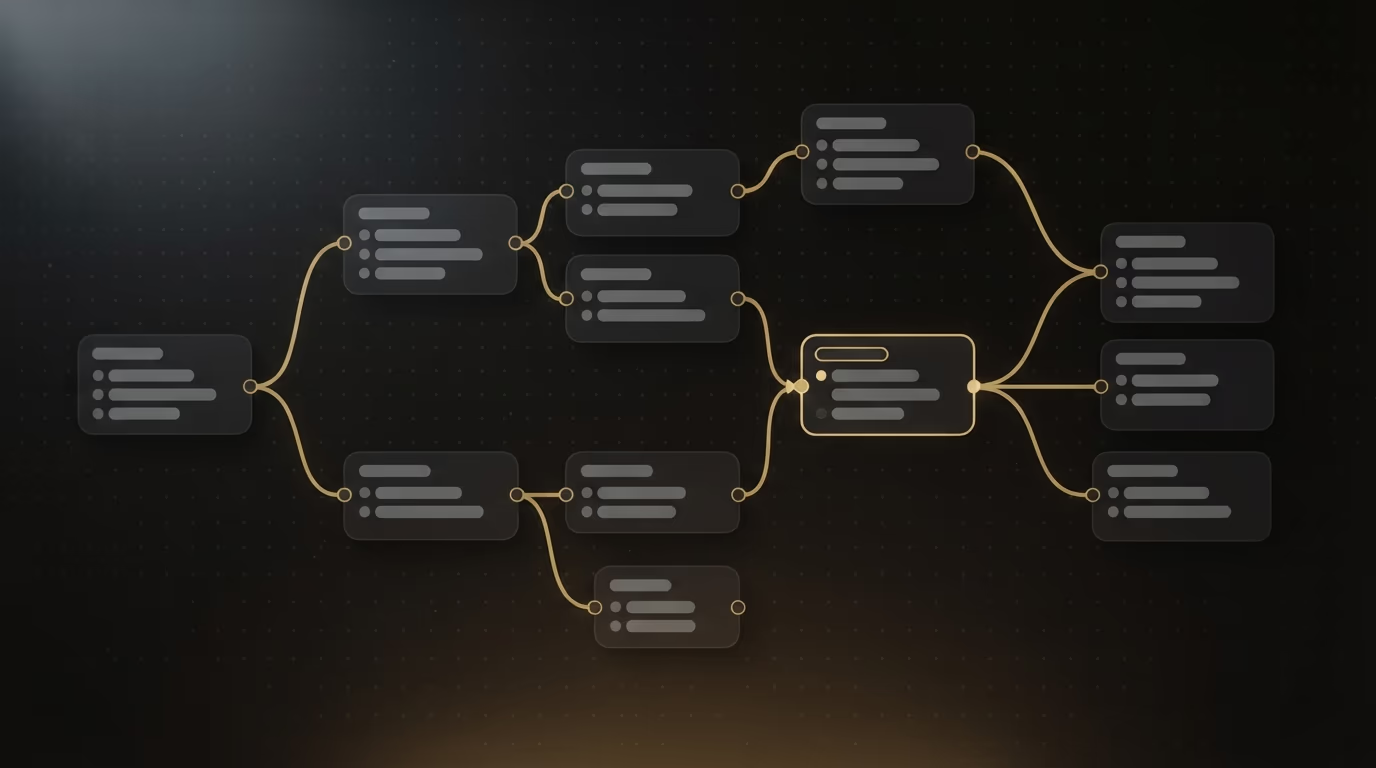
Each approach has its own logic behind it. The scripted chatbot is predictable and cheap: it will never say something you didn’t plan for, which is reassuring when the margin for error has to be zero, for example on opening hours or delivery terms. Its weakness is a stubborn rigidity. The moment a visitor asks something off-script, the robot falls into a void and at best offers to rephrase, which quickly frustrates.
The chatbot built on artificial intelligence sits at the opposite end: flexible, natural, able to answer a question phrased in any direction. Its downside comes in two forms, because it can state something false with confidence, a so-called hallucination, if it hasn’t been connected to your real information, and it costs more, since every conversation burns computing power that the provider bills. I run several agents built on this technology every day, and the point that always comes back is that an AI agent left without guardrails eventually invents an answer on a busy day.
The setup that works best in practice combines both ideas: an AI chatbot fed with your real content, your FAQ and your catalogue, told not to stray beyond that scope, and handing off to a person the moment it isn’t sure. You keep the natural flow of the conversation without the risk of made-up answers, as long as you’ve prepared the material up front.
How much does a website chatbot cost?
A chatbot for a website costs nothing to start with a turnkey tool, then a monthly fee that grows with the options, and more if you have a custom agent built. The price mostly depends on two things: whether the robot uses artificial intelligence, and how many conversations it handles each month. Here are verified figures from two widely used providers, which bill in dollars.
Crisp, a European provider, offers a free version for two people, then a Mini plan at 45 dollars a month. Its Essentials plan, which includes an intelligent chatbot with a no code workflow builder, costs 95 dollars a month, with a fourteen day trial to test before you pay. Tidio also starts from a free version, with a Starter plan at 24 dollars a month and a Growth plan from 49 dollars. Its AI agent, called Lyro, is billed by the number of conversations, and the module starts around 32 dollars a month for fifty conversations handled automatically.
| Solution | To start | Version with artificial intelligence |
|---|---|---|
| Crisp | Free (2 people) | 95 dollars / month (Essentials plan) |
| Tidio | Free | AI agent from around 32 dollars / month (50 conversations) |
| Custom agent | Quoted per project | Development, then AI usage billed per conversation |
A custom-built agent follows a different pricing logic. There, you don’t pay a fixed monthly subscription but a project: someone designs the robot, connects it to your data, writes its answers and tests it, which is a one-off development cost, on top of which sits the cost of the artificial intelligence billed per conversation. This route makes sense when the chatbot becomes a real tool of your business, wired to your catalogue or your calendar, rather than a simple welcome gadget.
Before you pick a plan, it helps to estimate your volume roughly. Look at how many contact messages, calls and repeated questions you get in a normal week, because a chatbot on the free or entry tier comfortably covers a small business with a handful of daily requests, while a busy store fielding hundreds of conversations quickly pushes you toward a paid plan or per-conversation billing. Guessing high wastes money on capacity you never use, and guessing low means the tool stops answering once the monthly quota runs out, so a week spent watching your real numbers is worth more than any pricing table.
Watch out, finally, for the costs that never show up on the pricing grid. The time to prepare the answers, write your FAQ and test the robot counts as much as the subscription, and a chatbot set up once and never updated decays like any tool left to rot. The advertised price is only the visible part.
How do you add a chatbot to your site?
Adding a chatbot to a site usually takes three steps: you create an account with a provider, you prepare the answers to the common questions, then you paste a small piece of code the tool gives you into your site to make the chat window appear. That small piece of code, often called a snippet, is just a bit of text you copy once, with no programming on your part.
The exact method depends on how your site is built. Depending on the case, here is where the code goes:
- WordPress: an official plugin from the provider installs the chatbot in a few clicks, without touching any code.
- Online store (Shopify, WooCommerce): a dedicated app links the chatbot to order tracking.
- Site builder (Wix, Squarespace): an integration setting or a code block made for this.
- Custom-built site: the code goes into the footer or just before the end of the page, once for the whole site.
The real work isn’t technical, it’s in the preparation. Before you connect anything, write the list of questions your customers actually ask and a clear answer to each, because that material is what makes the robot useful. For an AI chatbot, this step becomes essential: you have to give it your real information, your FAQ and your key pages, otherwise it will fill the gaps by inventing. Then plan an honest test, asking yourself the awkward questions a hurried visitor will end up typing, and always keep a simple way to reach a person.
One small choice shapes how the whole thing feels: the first message and when it appears. A greeting that names one concrete thing the robot can do, shown a few seconds after the page loads rather than the instant someone arrives, reads as helpful instead of pushy, whereas a window that springs open over the content on the very first second is the fastest way to get closed and ignored.
On timing, a ready-made tool goes live in a few minutes to a few hours once your answers are ready. A custom agent connected to your data takes closer to one or two weeks, the time to build it, feed it and tune it properly. If you’re starting from a base that needs a full rethink, this work can join a wider project of building a site with AI, where the chatbot is just one brick among others.
Do you really need a chatbot on your site?
A chatbot only makes sense if your visitors ask enough questions to justify an automatic answer. On a site that gets three visits a day, a robot serves no purpose and can even give the impression of a business hiding behind a machine. On a site that gets dozens of repetitive requests a week, it saves you real time.

The chatbot genuinely helps in a few clear situations. When the same small group of questions keeps coming back, it absorbs the load and frees you up. It also earns its place in businesses built on orders or bookings, where it tracks requests and reassures the customer at the moment they hesitate. And if your visitors mostly arrive in the evening and at the weekend, it keeps the contact alive when nobody can reply by hand. In those cases the maths is simple and the tool pays for itself in time saved.
It hurts your site in other situations, and that’s what you’re rarely told. On a low-traffic site, it mostly gives the impression of an empty front desk. Faced with a sensitive request, a dispute or a topic that touches money or health, a machine answer irritates rather than reassures. A badly tuned chatbot that opens on its own and covers half the screen, or that loops without ever offering to talk to someone, drives away more people than it keeps. Replacing the person entirely is a false good idea: the point is to filter the simple questions, not to cut the human link.
There’s one obligation left not to forget. As soon as a chatbot collects a name, an email address or the content of a conversation, it handles personal data, and you have to account for that in your legal notices and privacy policy. In Europe, the law frames the collection of this information, and a chatbot that hoovers up contact details without saying anything exposes you to a real problem. Planning this part from the start saves you from patching together a rushed compliance fix later.
A chatbot that serves your visitors, not one that gets in their way
A chatbot is neither the miracle cure sold by some nor the useless gadget mocked by others. It’s a tool worth exactly what the work behind it is worth: a list of real questions, clear answers, a considered choice between a script written in advance and artificial intelligence wired to your content, a serious test, and a path always open to a person. Start small, with your most frequent questions and a free tool, measure whether your visitors use it, and only add artificial intelligence if the volume justifies it.