Your website’s structure is the plan that organizes every page into a logical hierarchy before a single line of code gets written. When it’s done well, visitors find what they’re looking for in a few clicks and Google understands exactly what each page is about. When it’s done badly, visitors bounce, your pages compete against each other for the same search queries, and your investment delivers far less than it should. Here’s how to plan yours, step by step, with practical tools and real examples for different types of sites.
What is website structure and why does it matter?
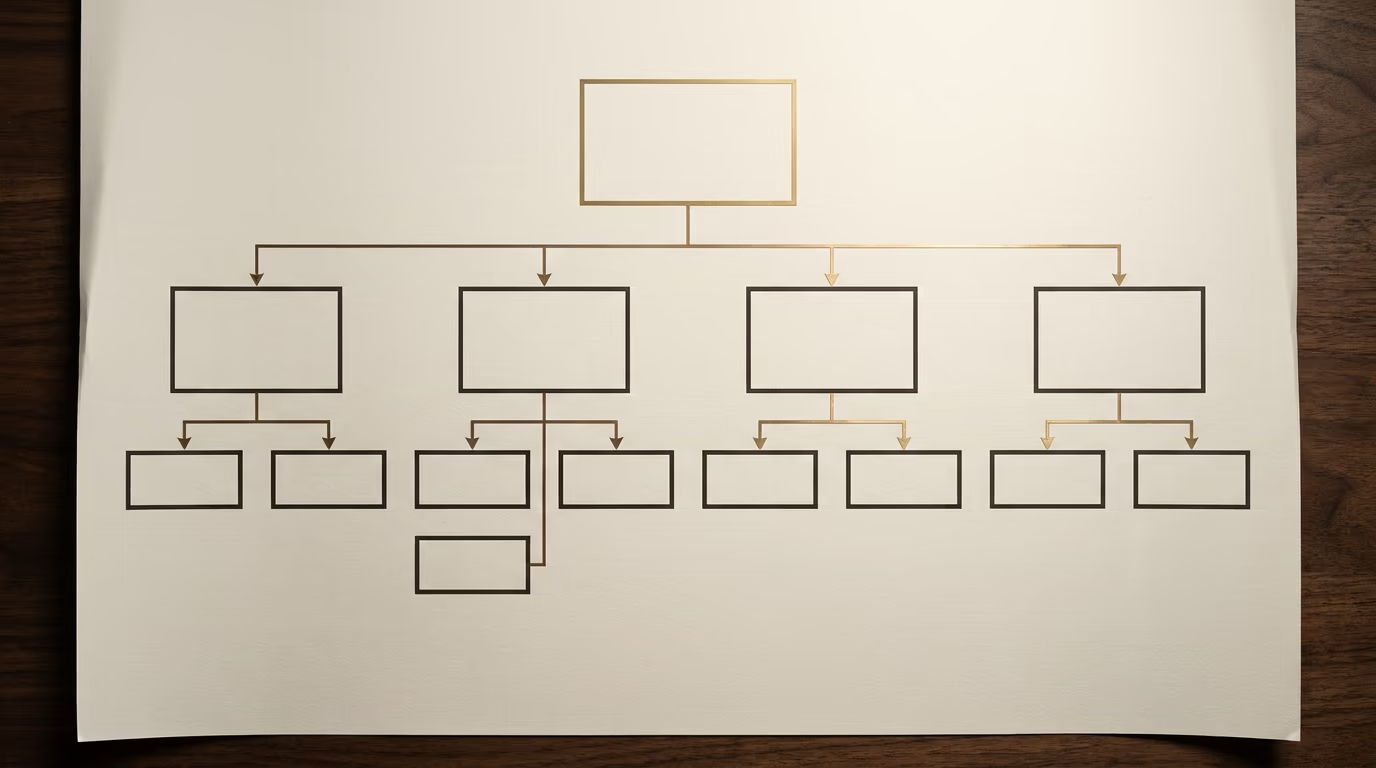
Website structure is the diagram that shows how all the pages of a site are organized and linked together, much like the table of contents in a book that shows chapters, sub-chapters and the order a reader follows.

At the top of the hierarchy sits the homepage, which gives access to the site’s main categories. Each category can contain sub-pages, and each sub-page can lead to even more specific content. This hierarchy directly determines what visitors see in the navigation menu, how they move from one page to another, and the URLs of every page on the site. When you draw your structure, you’re also deciding how many clicks it takes to reach each piece of content from the homepage, which is what designers call site depth.
The structure is separate from the mockup, which deals with visual appearance, and from the design brief, which describes the full project scope. It comes very early in the process, before the mockup and before development, because every design and content decision flows from it: if the structure changes later, the entire site has to be rethought.
How does your site’s structure affect SEO?
Your site’s structure is one of the first things Google analyzes when its bots crawl your pages, because it tells them which pages exist, how they connect to each other, and which ones sit highest in your hierarchy.

When you organize your structure into silos, meaning you group pages by topic with internal links between them, you send a clear signal to Google: this cluster of pages covers this subject, and the main page of the cluster is the most important one for that query. Search engines distribute a kind of “weight” through internal links, and a well-organized structure concentrates that weight on the pages you want ranking at the top.
Conversely, a poorly built structure creates concrete problems that hold back your search rankings. Orphan pages, the ones that no link points to, are often ignored by crawlers because they simply can’t find them. Duplicate pages, the ones that target the same query without meaning to, end up competing against each other in Google’s results instead of reinforcing each other. And structures that run too deep, where some pages are only reachable after five or six clicks from the homepage, receive fewer crawler visits and less weight in ranking algorithms.
The structure also affects your visitors’ experience in a very direct way. Someone who arrives on your site from Google and can’t figure out how to reach the page they need will leave within seconds, sending a negative signal to search engines about your content’s quality. Three clicks maximum to reach any content from the homepage remains the most reliable rule for keeping visitors engaged and pages ranking well.
Beyond search rankings, a clear structure also shapes how Google displays your site in the results. When the hierarchy is clean and the internal linking is consistent, Google sometimes shows sitelinks beneath your main result, those indented sub-links that point directly to your key pages. Those sitelinks take up more visual space on the results page and give searchers a shortcut to exactly what they need, which increases your click-through rate without any extra investment in advertising or content.
How to plan your website structure in five steps
Building an effective site structure doesn’t require expensive software or coding skills, but it does require method and a few hours of thinking before you open any website builder.
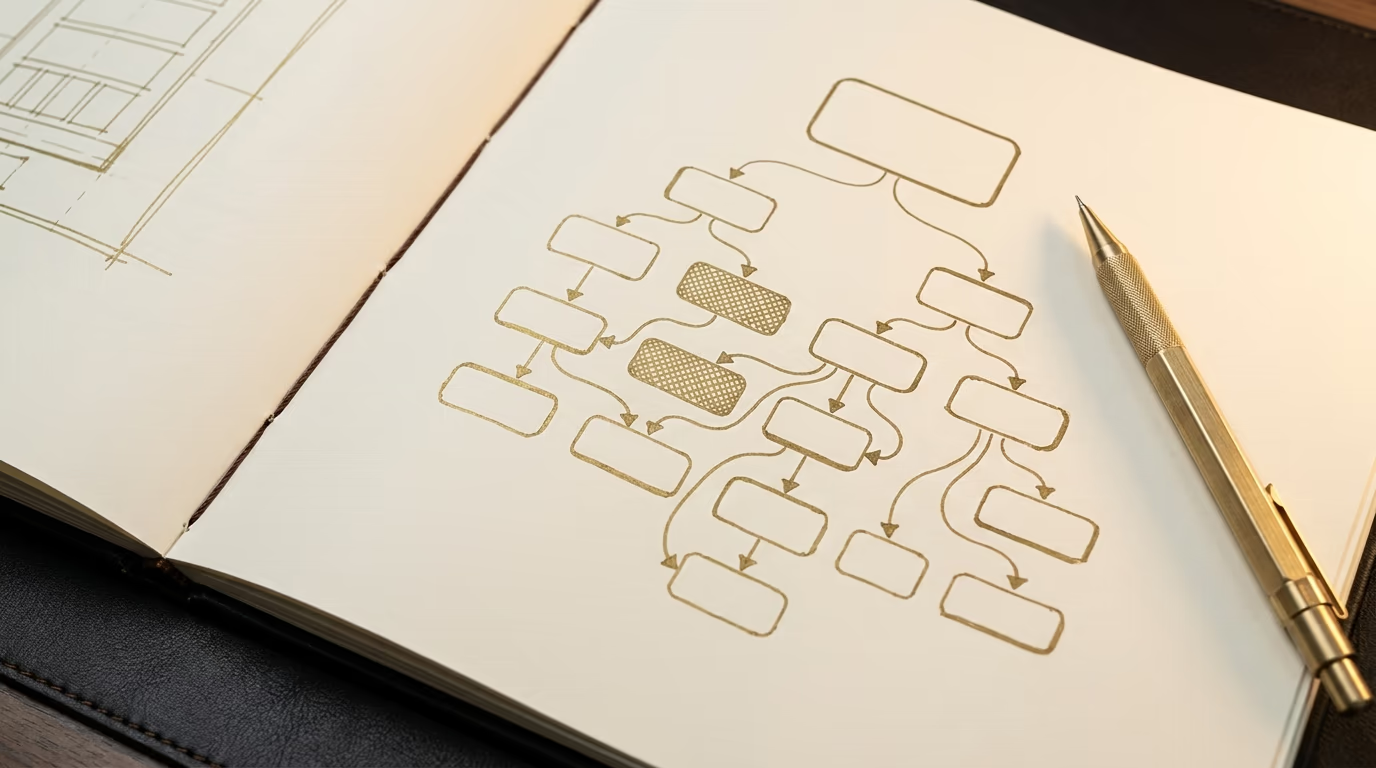
The first step is to list your site’s objectives and the actions visitors should be able to take. A showcase site for a law firm doesn’t have the same needs as an online store selling two hundred products. Ask yourself: when a visitor leaves my site, what do I want them to have done? Submitted a quote request, bought a product, booked an appointment, read an article and understood that I’m an expert in my field? Each objective translates into a page or a group of pages, and this list is the raw material of your structure.
The second step is keyword research. The terms your potential customers type into Google tell you exactly which pages to create and how to name them. If you sell garden furniture, your categories shouldn’t be called “products” but “garden tables”, “garden chairs”, “parasols”, because those are the words your customers actually search for. Tools like Google’s keyword planner, Ubersuggest or Google Search Console give you real search volumes for each term, and those volumes help you decide which pages deserve their own spot in the navigation.
The third step is grouping your pages into logical categories. Pages that cover the same topic or the same type of service go into a thematic silo, and each silo has a main page that serves as the gateway to the more specific pages beneath it. This grouping should reflect how your customers think, not how your company is organized internally, because your visitors don’t know your departments, they’re looking for answers to their questions or solutions to their problems.
The fourth step is drawing the diagram itself. Sketch the hierarchy using your preferred tool, starting from the homepage and working down toward the most specific pages. Check that every page is reachable in three clicks or fewer from the homepage, that every category contains at least two pages (otherwise it doesn’t justify being a category), and that page names match the keywords you identified in step two.
The fifth step, often forgotten, is validation with people who haven’t been involved in the project. Show the diagram to someone who doesn’t know your site and ask them to find a specific piece of information. If they hesitate, backtrack or take the wrong path, the structure has a flaw. It’s far better to discover that on a diagram than on a finished site, because restructuring a live site’s navigation costs far more than redrawing a few boxes.
Which tools should you use to map your structure?
You don’t need professional software to create an effective site structure, and a free tool is enough for most showcase websites and small online stores.
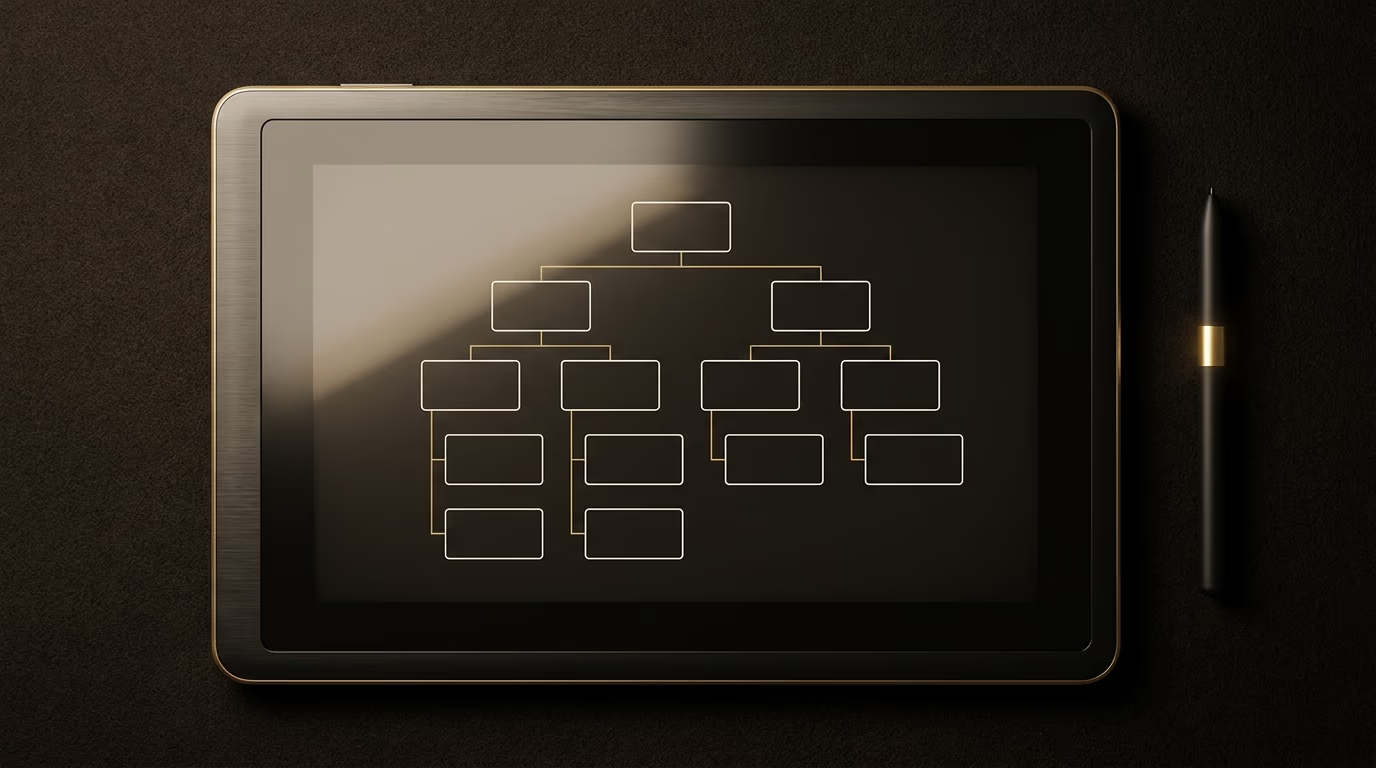
GlooMaps is the simplest option to start with: it runs directly in your browser with no sign-up required, and it lets you build a diagram in minutes using a drag-and-drop box system. The result is shareable via a unique link, which makes it easy to collect feedback from your team or your web developer. The limitation is that the free version doesn’t let you customize colors or add much detail per page, but for a planning-stage structure, it’s more than sufficient.
FigJam, Figma’s whiteboard tool, offers a free plan with real-time collaboration features. You can draw flowcharts, add sticky notes and have multiple people working on the same diagram simultaneously. If you already work with a designer who uses Figma for mockups, it’s the most natural choice because the transition from structure to design happens within the same ecosystem.
Miro and its competitor Whimsical are more complete collaborative whiteboards, with pre-built templates for site structures. They’re particularly useful when your structure is complex (more than thirty pages) or when you need to document user flows alongside the page hierarchy. Expect around CHF 8 per month for an individual subscription with advanced features.
FlowMapp is the most specialized tool on this list: it was built exclusively for website planning, with dedicated features like user persona creation, navigation paths and per-page content estimation. The free version supports one project with up to fifteen pages, which covers a standard showcase site. Beyond that, subscriptions start around CHF 15 per month.
For a simple project (a five-to-twelve page showcase site), GlooMaps or FigJam’s free plan do the job perfectly. For a larger project or collaborative work with an agency, Miro or FlowMapp justify their subscription through the time they save on coordination.
Regardless of which tool you pick, the important thing is to produce a visual diagram that you can share, discuss and revise before any design or code work begins. A structure that lives only in someone’s head invariably shifts during development, because the people building the site fill in the gaps with their own assumptions about where each page belongs and how many levels the menu should have.
What mistakes should you avoid?
Most websites with structural problems didn’t start with a bad diagram but with no diagram at all: pages got added over time without an overall plan until the navigation became confusing.

The first mistake is a structure that runs too deep. When visitors have to click five or six times to reach an important page, most give up before they get there, and Google’s crawlers also lose interest in pages buried that far from the surface. The solution isn’t to put everything at the top level (which creates an unreadable twenty-item menu), but to choose the right intermediate categories so every page is reachable in three clicks or fewer.
The second mistake is cannibalization through duplication. When two pages target the same keyword, for example a “our design services” page and a blog post called “our approach to web design”, Google doesn’t know which one to surface and both lose positions. Before creating a new page, always check whether an existing page already covers the same topic from too similar an angle, and if it does, enrich the existing page instead of spinning up a new one.
The third mistake is a lack of internal links between pages in the same thematic silo. Internal links are what tell Google “these pages form a coherent cluster on this subject”, and without them, each page sits isolated in a corner of the site without benefiting from the weight of its neighbors. Every page should contain at least two or three links to other pages on the same theme, with link text that describes the destination’s content rather than generic “click here” or “learn more” phrases.
The fourth mistake is designing the structure from the company’s perspective rather than the customer’s. Your categories should carry the names your customers use when they search for what you offer, not your internal service names or product codes. If you’re a plumber and your customers search for “emergency leak repair”, your category shouldn’t be called “level 2 emergency interventions” but something close to the words your customers actually type.
The last mistake, and perhaps the most expensive, is thinking about structure after the design is done. When the site has already been mocked up with a four-item menu and you realize it needs seven, the header, footer, mobile menu and sometimes the layout of several pages all have to be redone. The cost of restructuring after the fact often runs to hundreds or thousands of francs, while the upfront structure work takes only a few hours.
What structure fits which type of website?
Not all sites organize their pages the same way, and the right structure depends as much on the volume of content as on the journey you expect your visitors to follow.
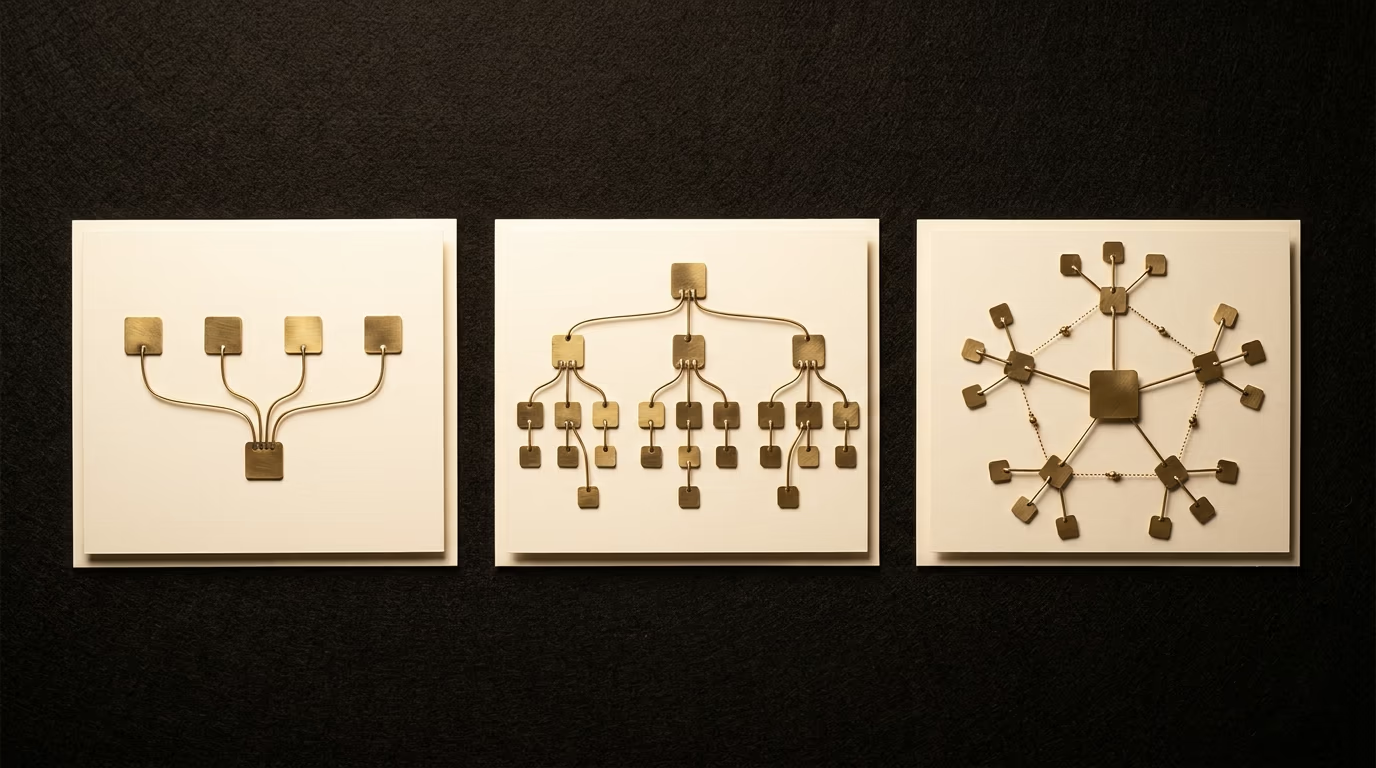
A showcase website for a service provider (consultant, tradesperson, lawyer, architect) works well with a two-level structure: the homepage gives access to four or five main pages (services, projects or portfolio, about, contact) and each service page can link to sub-pages if the offering is broad enough to justify them. For this type of site, five to twelve pages are enough in most cases, and the structure fits on a simple diagram you can draw in an hour with GlooMaps.
An e-commerce site needs a deeper, more rigid structure because the catalog demands a category and sub-category logic. The classic layout is: homepage, then main categories (clothing, shoes, accessories), then sub-categories (shirts, trousers, jackets), then product pages. Every product page sits three clicks from the homepage, and every category has its own page that serves as an SEO-optimized entry point. The key for an e-commerce site is not to multiply sub-categories to the point where some contain only one or two products: an empty category is worse than a missing one.
A blog or content site (media outlet, online magazine, knowledge base) uses a thematic silo structure: each topic has a pillar page that summarizes the subject and links to the detailed articles beneath it. Articles within the same silo link to each other, and the internal linking strengthens the pillar page as the primary reference on that topic. When the site combines content and services, as is often the case for businesses that publish a blog to attract visitors, the structure clearly separates the editorial section (the blog, the resources) from the commercial section (the services, contact), while connecting them through calls to action and contextual links.
An institutional website for a public body or large organization often has the opposite problem from a showcase site: too much content, too many pages, too many sections. The priority is to resist the temptation to reproduce the internal org chart in the navigation menu, and to start instead from user needs (which tasks do they search for most often? which questions do they ask?) to build the main categories. Top-level menus should never exceed seven or eight items, even if the site contains hundreds of pages deeper down.
Whatever the type, every site benefits from mapping its structure to paper or to a tool before the first mockup is drawn. A service provider who starts with a clear five-page outline and a plumber who maps out their ten service areas both avoid the same trap: discovering halfway through development that the menu doesn’t accommodate the content they actually need, which forces a costly restructuring of layouts, URLs and internal links after the fact.
Building a structure that works for your visitors
The structure is the invisible foundation of any website, the part that determines whether visitors find what they’re looking for or leave frustrated after a few seconds. Taking the time to draw it before moving on to design and development saves costly corrections down the line and gives you a site whose architecture actively works for your search rankings.
If you have a site project and want to start from a solid structure, one built around your customers and around Google, let’s work together to make it happen.